# Killswitch
## Enabling Killswitch
### Prerequisites
* An Android device running Android Nougat 7.0+ (API 24+)
### Steps
1. If your Android device is connected to a VPN server, disconnect from the VPN server within the VPN app.
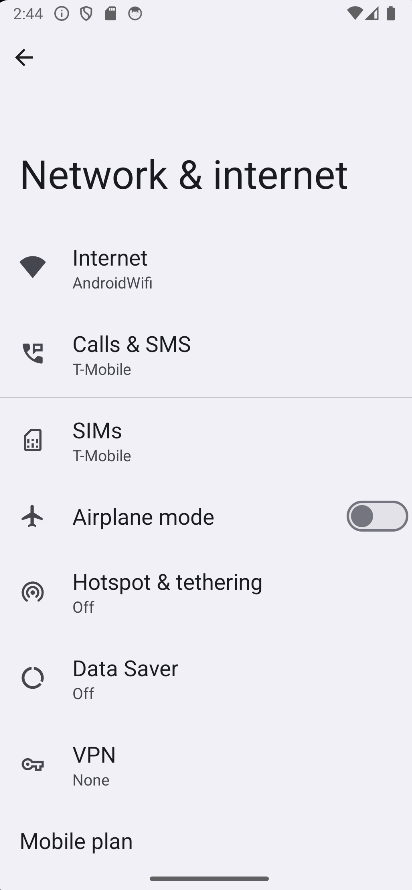
2. Open the Android system settings, then navigate to `Network & Internet` > `VPN`.
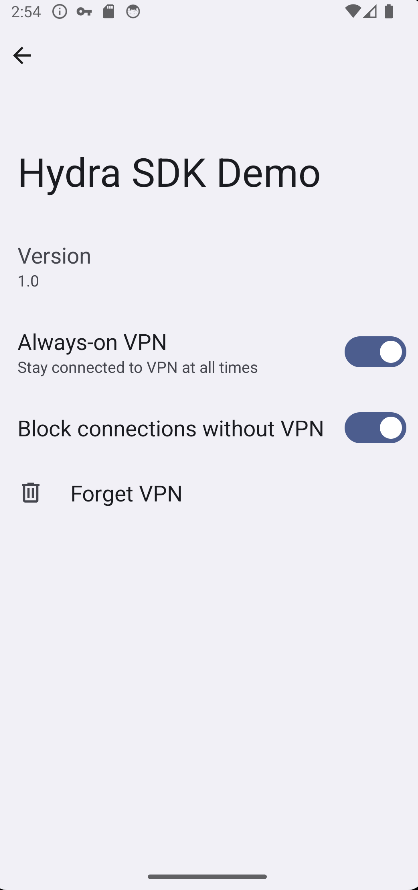
3. In the VPN settings page, locate your VPN app and tap on the gear icon to the right of the VPN label. This will open the app-specific settings for your VPN.
4. In the app-specific settings, toggle the `Always-on VPN` option to `ON`. This ensures that your device maintains a persistent VPN connection. In addition, toggle the `Block connections without VPN` option to `ON`. Android will prompt you with a confirmation dialog. Tap `TURN ON` to enable the manual killswitch for your VPN.
5. Reconnect to the VPN server through your VPN app.
## Disabling Killswitch
### Steps
1. Perform the same step 1 to 3 above.
2. In the app-specific settings, toggle the `Always-on VPN` option to `OFF`.